

Your entire site.
One clear picture.
From energy meters to process equipment: Pulse brings together data across your industrial or residential site. So your team understands what is happening, where energy is going and what needs attention.
01Connect assets and measurements
02Understand energy performance
03Improve with evidence
Your installation is connected.
Is your insight connected too?
An industrial site contains many systems. Your team’s questions cut across them all.
Where is consumption increasing? Which installation is performing differently than expected? Is the deviation real, or is it a measurement issue? Pulse helps technical and operational teams investigate these questions with a coherent view of the system.
From individual signals to context
Link measurements to assets, energy flows and their role across the site.
From a deviation to the right question
Track performance and trends, compare periods and identify where further investigation is needed.
Discuss performance using the same facts. Consumption, deviations and measurement quality give context to conversations about costs, supply, service and future investment.
Every asset connected.
One central overview.
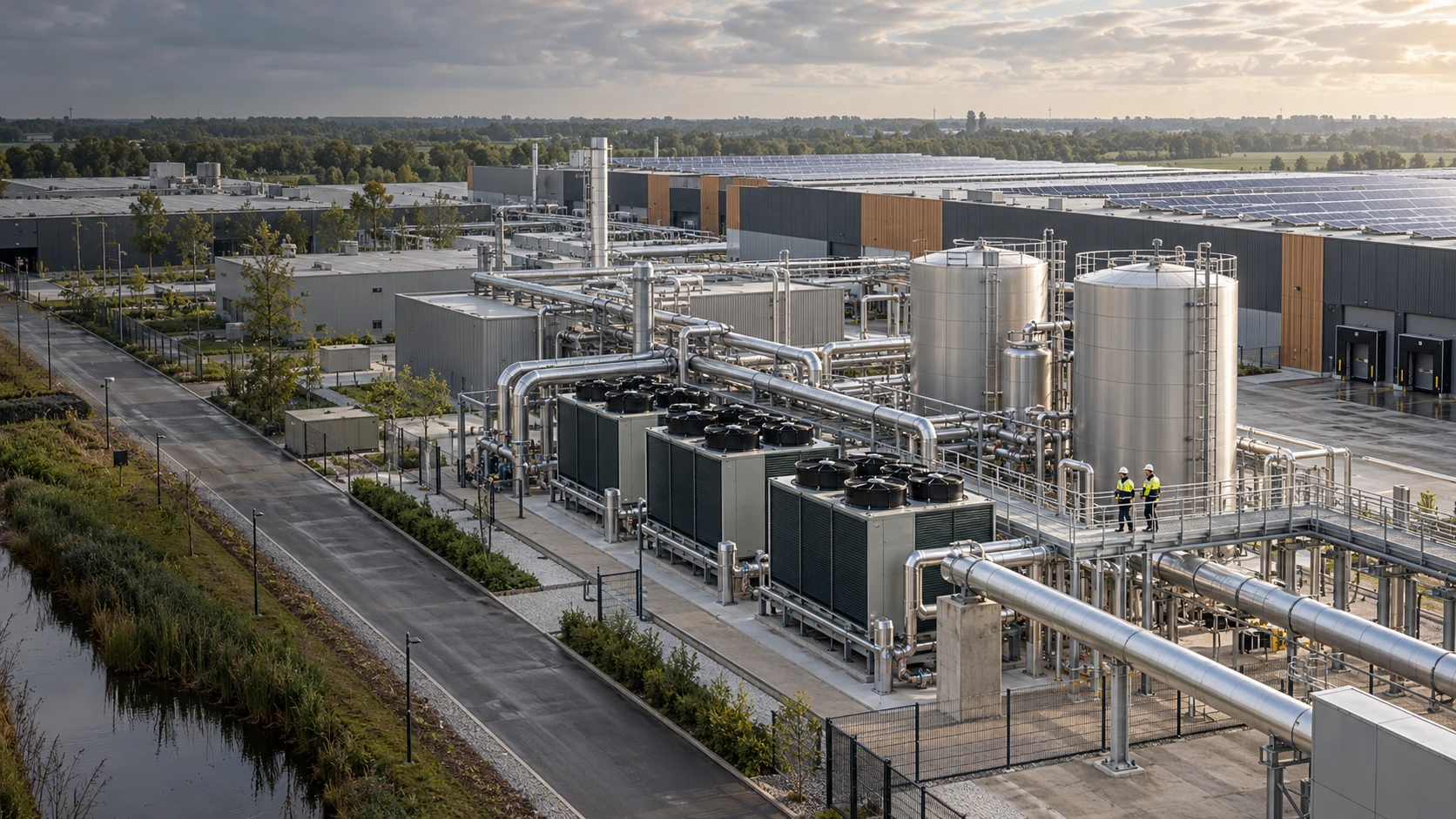
Edge controllers connect the installation. Synapse brings the data together. The Hylife Portal makes it accessible to the people who operate, analyse and decide.
Local connectivity
Edge controllers are located alongside the assets. They collect measurements and exchange permitted commands through agreed interfaces.
A central platform
SYNAPSE connects data, context and access. The Hylife Portal communicates with the platform in both directions.
Multiple energy vectors
Electricity, heating, cooling and — where relevant — steam, natural gas and hydrogen become visible in the same site context.
From the complete picture
to the detail that matters.
Connect an overview of multiple sites with the details of an individual asset. Explore the planned functions for industry and shared energy systems: energy flows, performance, measurement quality, alerts and reporting.
From operational deviations to reporting for management or a financier: compare performance by energy vector while keeping the underlying measurement quality and assumptions visible.
What is your site not telling you yet?
We start with your assets, available measurements and your team’s questions.
From connected devices
to targeted service.
A shared installation serves different people. The operator needs to understand the building. The service engineer needs to explain deviations and follow up effectively. GiacoPortal brings these needs together around the heat interface unit and its connected devices.
Hylife connects the installation to SYNAPSE through edge controllers. GiacoPortal makes the data useful in a partner-specific environment: from the building and hydraulic schematic to measurements, settings and commissioning.
An overview for ESCOs & operators.
View building status, connected devices and the relationship between supply, return and delivery. Reports connect technical data with operations.
Context for the service engineer.
Move from the system schematic to device measurements and permitted settings. Communication validation and commissioning support a well-documented handover.
The right access for each role.
Information and actions match the user’s responsibilities. The screens illustrate, among other things, the difference between read-only access and permitted service settings.
Insight sharpens design.
Control takes it further.
Pulse, Evana and Flow connect actual performance, design choices and daily optimisation through SYNAPSE. Each step provides insights for the next.
Select a product in the flywheel to learn more. The current product page is highlighted.